Updated November 4, 2026
Trade deadline week produces more rumors than trades. A post claims a deal is done, a screenshot circulates without a source, and an hour later the original report turns out to say "talks." This guide shows how a fan can use Grok, the AI assistant from xAI, to follow the run-up to the 2026 NFL trade deadline, check rumors before reacting, and get a short daily update until the market closes. Every capability described here comes from xAI's own pages. The prompts are examples to adapt, not results we are claiming Grok will produce.
The Deadline Timeline to Plan Around
Per the NFL's 2026 important dates calendar, all trading ends at 4 p.m. ET on Tuesday, November 10, which is 1 PM PT. Anything reported after that is about signings, waiver claims or injured reserve moves, not trades. Our explainer on how the NFL trade deadline works covers the rules. The useful window for rumor tracking is the next few days.
Why Grok Fits Trade Rumor Season
According to xAI's Grok product page, Grok "searches the web and X live," with "real-time X integration for breaking news and trends" and live citations to sources. That matters because trade news usually breaks on X first, from beat reporters and national insiders, and then gets picked up and rewritten. A tool that can read both the posts and the follow-up coverage, and link them, helps you trace a rumor back to where it started.
The same page lists other features that help during a busy week: follow-up questions, vision understanding for screenshots and photos, file and PDF analysis, custom instructions and memory across chats. Grok is available at grok.com and in the iOS and Android apps, and xAI says it is free to try, with a paid SuperGrok tier for higher limits.
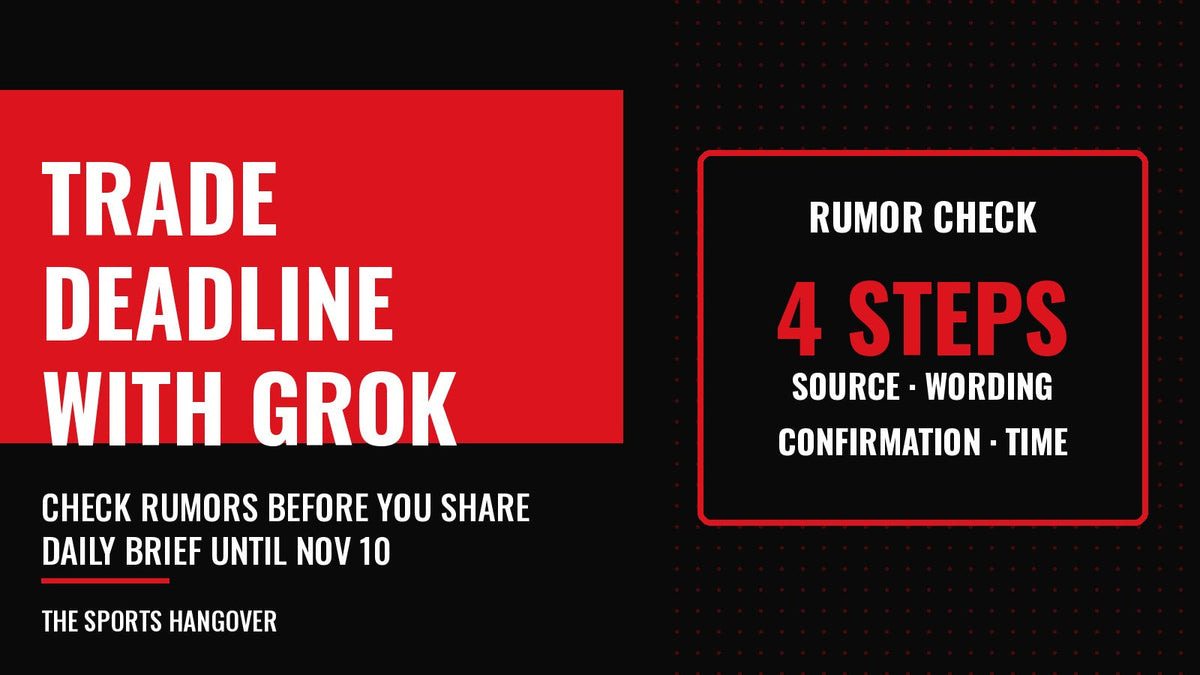
A Four-Step Rumor Check
When a trade report starts trending, run it through the same four questions before you share it or make a fantasy move.

1. Find the original report
"A post on X says [player] has been traded to [team]. Who first reported it, at what time, and what exactly did they say? Link the original post."
2. Separate the wording
"Does the original report say the trade is agreed to, finalized, in talks, or only that teams have interest? Quote the key sentence."
3. Look for confirmation
"Has either team, the league or a second established outlet confirmed this? List each confirmation with a link and time. If nothing confirms it, say so."
4. Check the screenshot
If all you have is an image, upload it. Grok's vision feature can read screenshots, so you can ask: "Read this screenshot. Who is the account, when was it posted, and can you find the original post and whether the account is a known reporter or a parody?"
The pattern is the same each time: ask for the source, the exact wording and the time. A missing link is itself an answer.
Set Up a Daily Deadline Brief With Automations
xAI's Automations announcement describes jobs Grok runs on its own. You write the instructions once, choose a schedule, and each run is a fresh request with current data. Schedules can run once, daily, weekdays, weekly, monthly or yearly at a time you choose in your time zone. Results can come back by email, app notification, both or neither, and every run is saved as a full conversation you can reopen. xAI says scheduled automations are available to everyone, while email triggers are included with SuperGrok.
A weekday brief that runs each morning until the deadline might use instructions like these:
"NFL trade deadline brief for [your team]. List any trades completed in the last 24 hours involving [your team] or its division rivals, any reported talks with the original reporter named, and any injuries that could make the team a buyer or seller. Mark each item as confirmed or reported, link every source and give times in Pacific time."
Use Run now to test it right after you build it, then pause or delete it once the deadline passes. After November 10, the same automation can be edited to track waiver claims and practice squad signings instead, which our guide to how teams add players after the deadline explains.
Custom Instructions That Keep Answers Honest
xAI lists custom instructions among Grok's features, so you can tailor how it responds instead of repeating the same rules in every prompt. For sports news, a few standing rules go a long way:
- Always link the source for each claim.
- Label each item as confirmed, reported or rumor.
- Give times in my time zone.
- Say when you cannot find a source instead of guessing.
If you already use Grok for weekly game-day briefs, our first guide on using Grok as an NFL fan covers that setup. This one is meant for the few days a year when news moves fastest.
Limits to Keep in Mind
An AI summary can be wrong, and a trending post is not a confirmed trade. Parody accounts and recycled screenshots spread fastest in deadline week. Treat Grok as a way to collect links quickly, then open the links. Official confirmation comes from the teams, the league's transaction wire or an established reporter's original post, not from a summary of them.
Using Grok for the NFL Trade Deadline: Questions
Can Grok tell me if an NFL trade rumor is real?
Grok can search X and the web live and link its sources, so it can help you find the original report and any confirmations. You still need to open those links and confirm with the teams or the league.
Can Grok send me a daily NFL trade deadline update?
Yes. Grok Automations can run a request daily or on weekdays at a time you choose and send the result by email, app notification or both, according to xAI.
When is the 2026 NFL trade deadline?
All trading ends at 4 p.m. ET (1 PM PT) on Tuesday, November 10, 2026, per the NFL's important dates calendar.
Sources: xAI Grok product page; xAI, Automations in Grok; NFL.com 2026 important dates. Checked November 4, 2026.